MENTOR Open-source coding curriculum
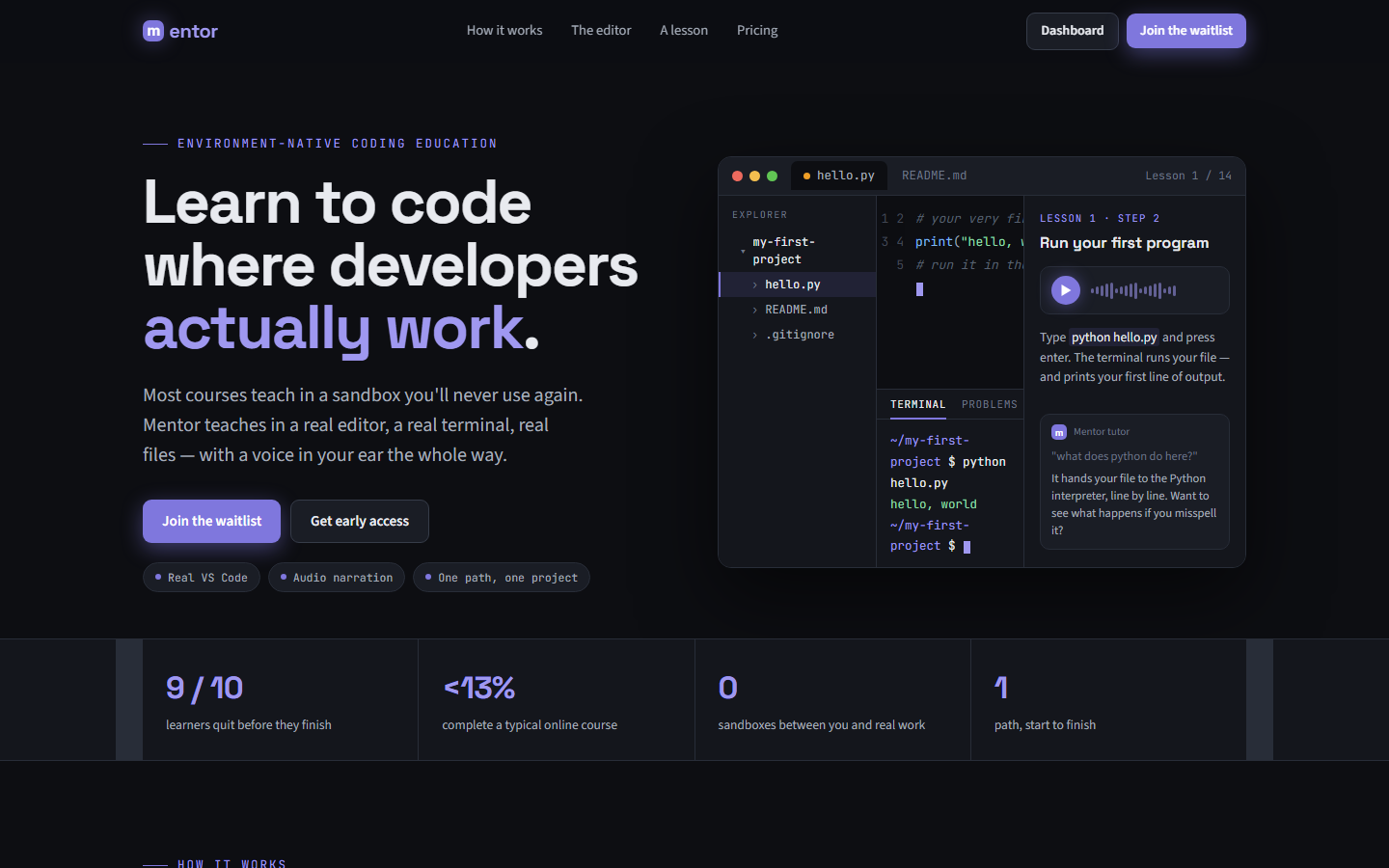
AI can write code for you. It can't understand it for you. That's the gap MENTOR is built to close. Most beginners can now generate working code in seconds — and still can't read it, debug it, or build the next thing without the model. MENTOR teaches genuine comprehension the only way it sticks: one real project, built step by step in the tools professional developers actually use. No sandbox, no throwaway exercises — a journal app that grows across seven stages, from a single HTML file to a deployed full-stack application.
"A beginner does not fail because the material is too hard. They fail because nothing told them what to do next, or because what they learned didn't survive contact with a real computer."
150
Guided lessons
One ordered path — no catalogue to assemble yourself
1,138
Hands-on steps
Theory paired with typing, delivered just in time
7
Project stages
One journal app: static HTML to deployed full-stack
Free
Forever
Open-source, no paywall on the core curriculum
My role
Solo product designer and developer — defined the curriculum architecture, the lesson and glossary content model, the in-editor learning experience, and the web onboarding. Designed and built the full stack from Figma to a working product.
Timeline
Ongoing — curriculum and product live as of June 2026. Roughly 40–50 hours of content across six weeks at a relaxed pace, expanding over time.
Tools & tech
Taught stack: HTML, CSS, JavaScript, Tailwind, VS Code, Git & GitHub, Fetch / HTTP / DevTools, Supabase, Vercel. Built with: Next.js, VS Code Extension API, TypeScript, Figma.
The convergence gap
Abundance solved access. It did not solve outcomes.
A beginner in 2026 has infinite resources and a model that writes code on demand — yet most still never reach the point of building something real on their own. Two failures explain it. Comprehension never forms: AI hands over the answer, so the learner never wrestles with the why. And skills don't transfer: browser sandboxes hide the real machine, so everything learned evaporates the moment the tab closes.
Teaching genuine understanding in an era where AI can produce working code instantly — making the learner do the thinking the model would otherwise do for them
Sequencing 150 lessons across 1,138 steps into one coherent path, with a 612-term glossary, so a complete beginner is never lost and never assembling their own curriculum
Keeping the environment real — VS Code, Git, a terminal, deployment — from the first lesson, while staying approachable for someone who has never opened an editor
The map
One image, one claim.
Every beginner platform takes a position on two axes: instructional coherence and environment realism. The valuable quadrant — coherent instruction inside a real environment — is nearly empty. MENTOR is built to occupy it, free and open-source.
Platforms positioned by environment realism (x) and instructional coherence (y). Mentor sits in the top-right quadrant — coherent instruction inside the real environment, free and open to absolute beginners.
One project, seven stages — not a catalogue
Most platforms hand beginners a catalogue and ask them to assemble their own curriculum — the hardest possible task for someone who came to acquire that very expertise. MENTOR is a single ordered journey: one journal application that grows from a static HTML page into a deployed full-stack app across seven stages.
How it was built
- Designed one continuous project so every concept lands in service of something the learner is actually building
- Structured 150 lessons across 1,138 steps, each step a small, ordered move forward with no gaps to guess across
- Used typed step formats — concept, analogy, exercise, win — with explicit progression rules so the path never stalls
- Mapped the seven stages from first HTML tag through CSS, JavaScript, Git, APIs, and deployment on Supabase and Vercel
Real tools from day one
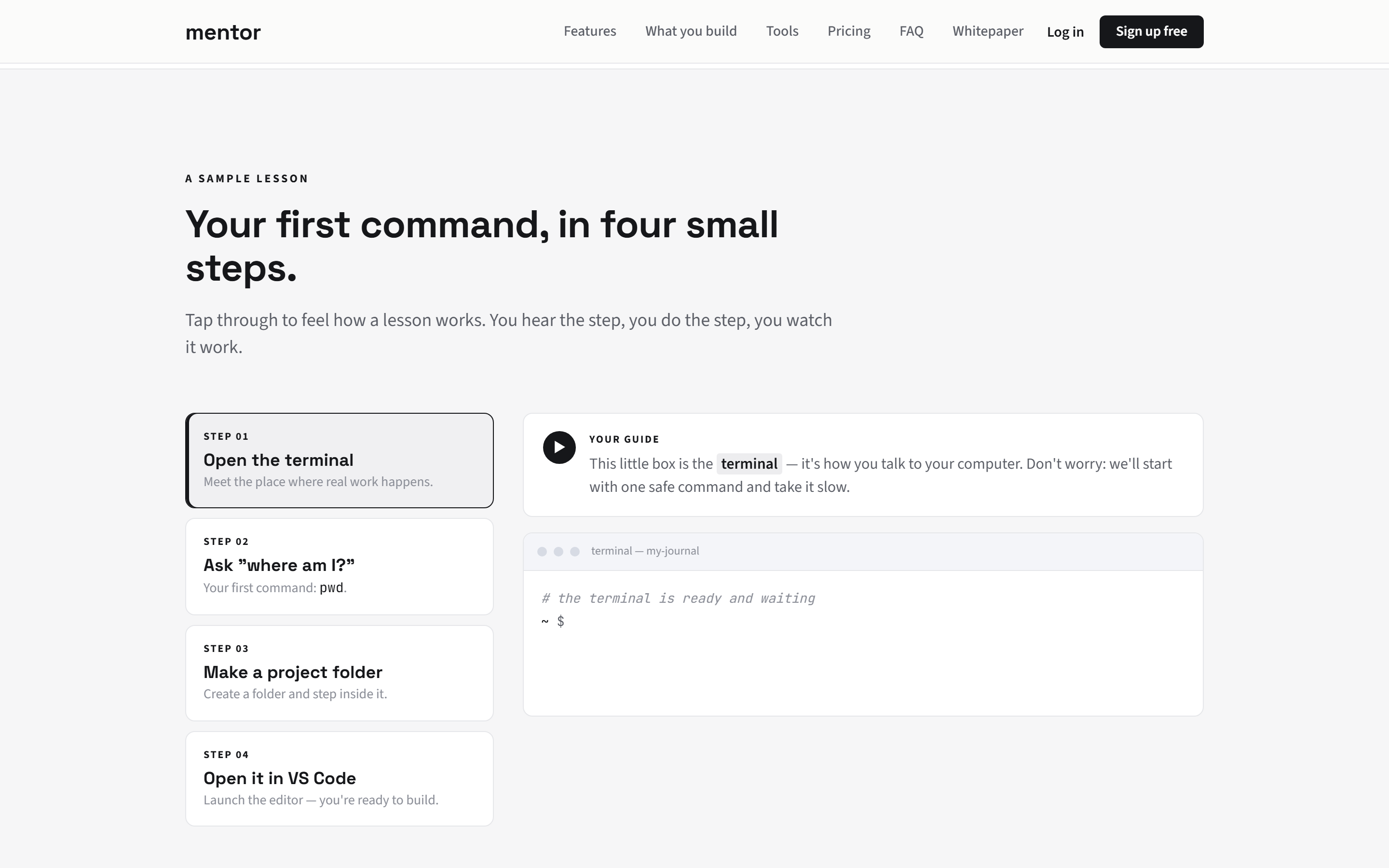
Sandbox platforms protect beginners from the real environment — and that protection is exactly why nothing transfers. MENTOR does the opposite: beginners work in VS Code on their own machine, with a real terminal and real Git, guided so complexity reveals itself in order.
How it was built
- Built the learning experience inside VS Code — the editor professionals use — rather than a browser emulator
- Designed onboarding so a zero-setup beginner reaches their first real command quickly, without drowning in configuration
- Added environment checks that diagnose a learner's setup without requiring them to understand it yet
- Kept lessons available locally so the path keeps working without constant server round-trips
Just-in-time instruction
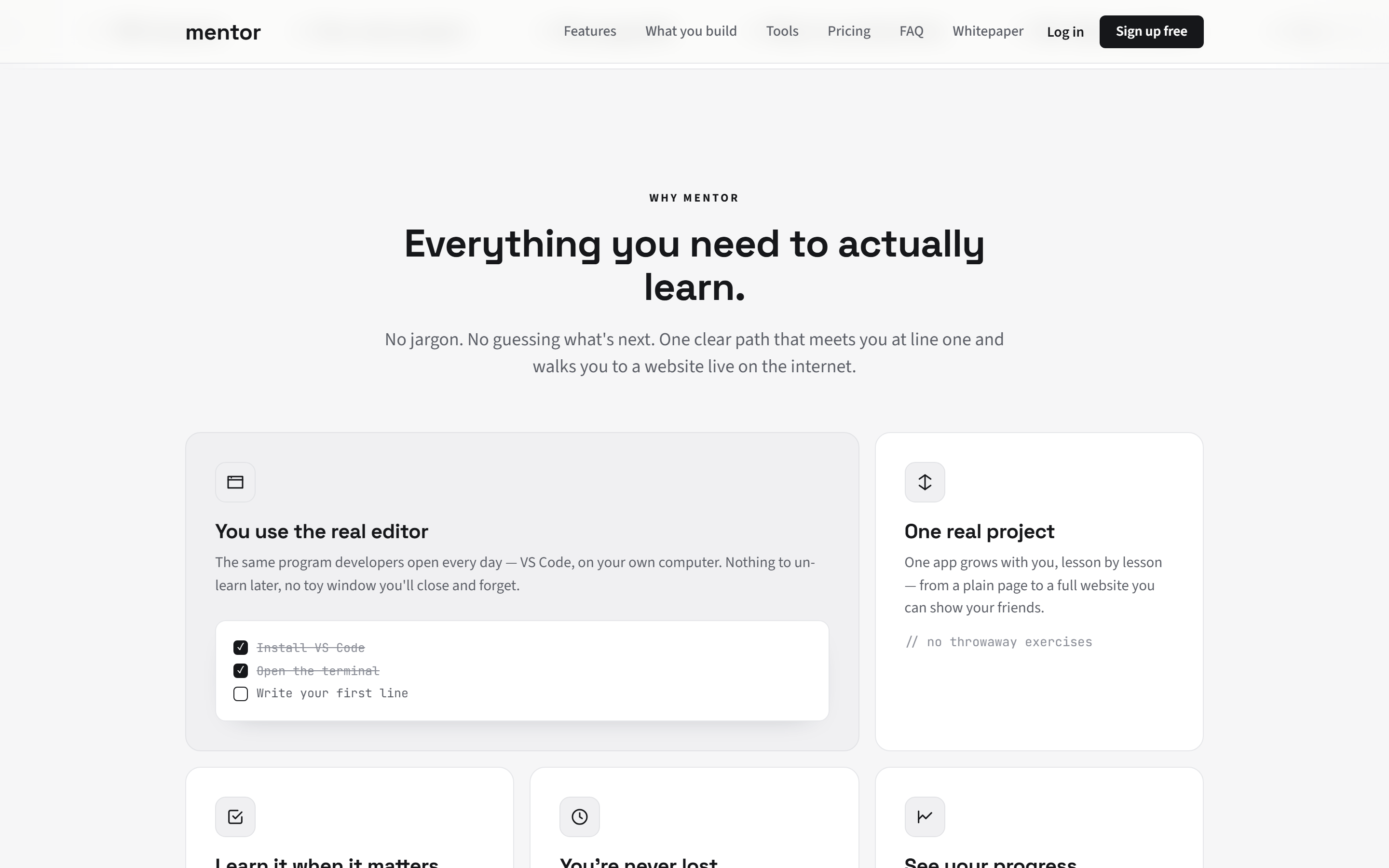
Theory-heavy courses front-load concepts the learner has no use for yet, and they slide right off. MENTOR pairs every idea with the moment it's needed — the explanation arrives attached to the keystroke that uses it.
How it was built
- Designed lessons so concept and action interleave, minimising passive reading and maximising time typing
- Tied each new term to a 612-entry glossary, so a definition is one step away the moment it appears
- Built steps that advance only when the hands-on task is actually done — completion is verified, not assumed
- Wrote for the absolute beginner's vocabulary, introducing jargon only once it has been earned
Understanding over completion — with Mentor AI on the way
Progress measured by lessons marked complete produces a false sense of mastery. MENTOR tracks what a learner can actually do, and is adding an AI layer designed to deepen understanding rather than shortcut it.
How it was built
- Persisted progress so a learner resumes exactly where they left off, across sessions and restarts
- Ended every stage in something real and running on the learner's own machine
- Scoped Mentor AI (post-launch) to explain errors, review code, answer questions, and give strategic hints — never the direct solution
- Kept the core curriculum free and open-source, so the gatekeeping that blocks beginners simply isn't there
Reflection
Outcomes & learnings
Shipped
- A complete, ordered curriculum: 150 lessons across 1,138 steps, building one journal app from the first HTML tag to a deployed full-stack application.
- A 612-term glossary woven into the lessons, so beginners learn the language of development in context rather than as a separate chore.
- A real-tooling experience in VS Code — Git, terminal, and deployment early on — with progress that persists across sessions.
- Free and open-source forever, with Mentor AI scoped for launch: error explanation, code review, Q&A, and hints that never hand over the answer.
Learnings
- The bottleneck in 2026 isn't access to code — it's comprehension. When the model can always produce the answer, the product's job is to make the learner do the understanding anyway.
- One real project beats a catalogue of exercises: coherence and a single carried-forward artifact do more for completion than any individual lesson's polish.
- A real environment from day one is non-negotiable — skills learned in a sandbox don't survive contact with a real machine, and beginners can handle real tools when the path is sequenced well.
- Building solo across curriculum, design, and code collapses the handoff gap — decisions get validated in days, not sprints.
Where it goes from here
This is a position, not a proof. The next milestone adds learner-outcome data — completion rates, transfer metrics, and independent-build rates — measured against the same two axes. That is the test the claim has to pass.
"Stop teaching beginners in a box the real world doesn't have."